Niche guide · · Updated
Framer vs Figma for a Portfolio: Cost and Verdict
Framer vs Figma for a portfolio: Figma Sites is still beta and needs a paid seat, Framer publishes free. Costs checked Oct 25, 2026, plus how to import.
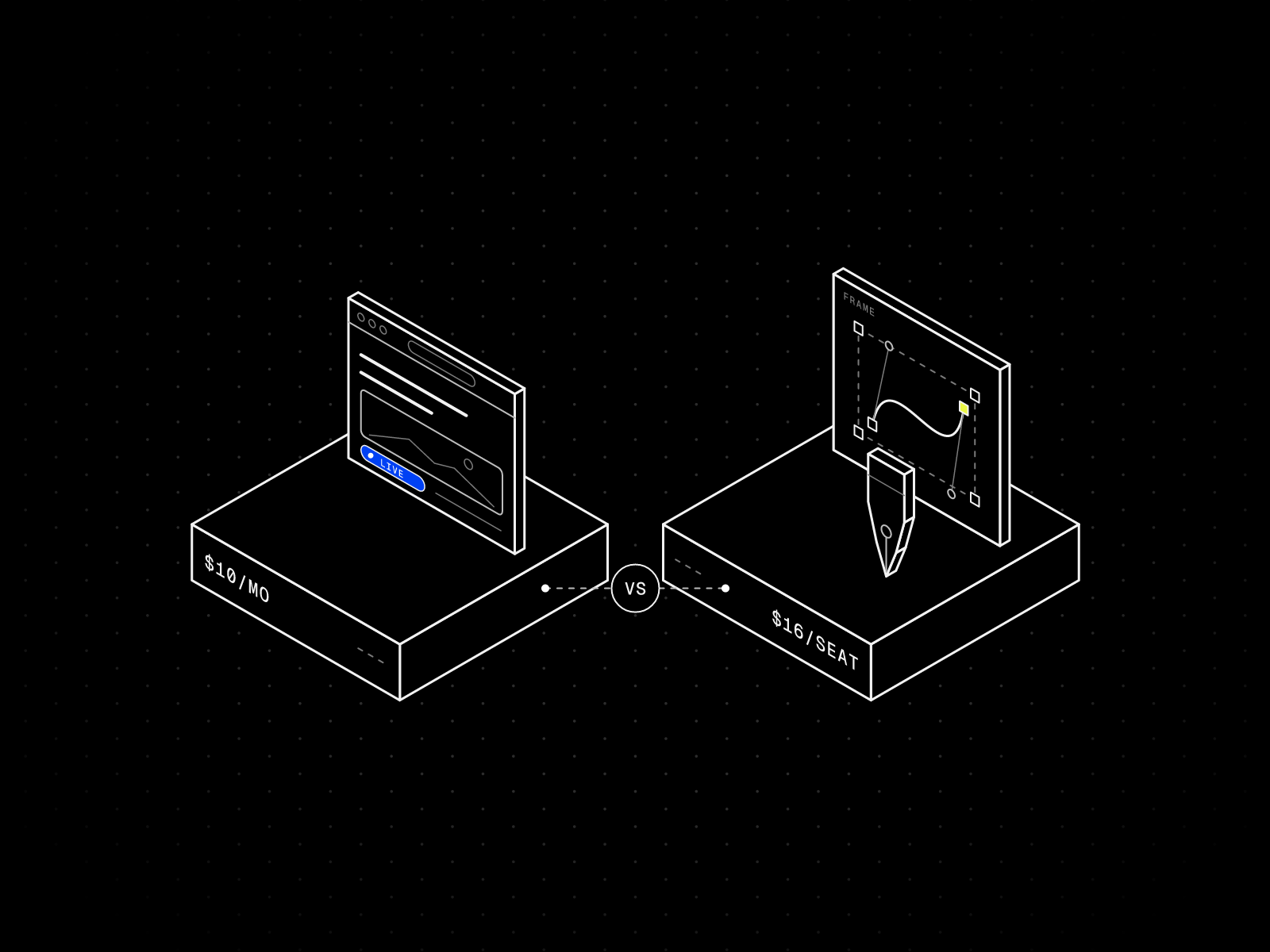
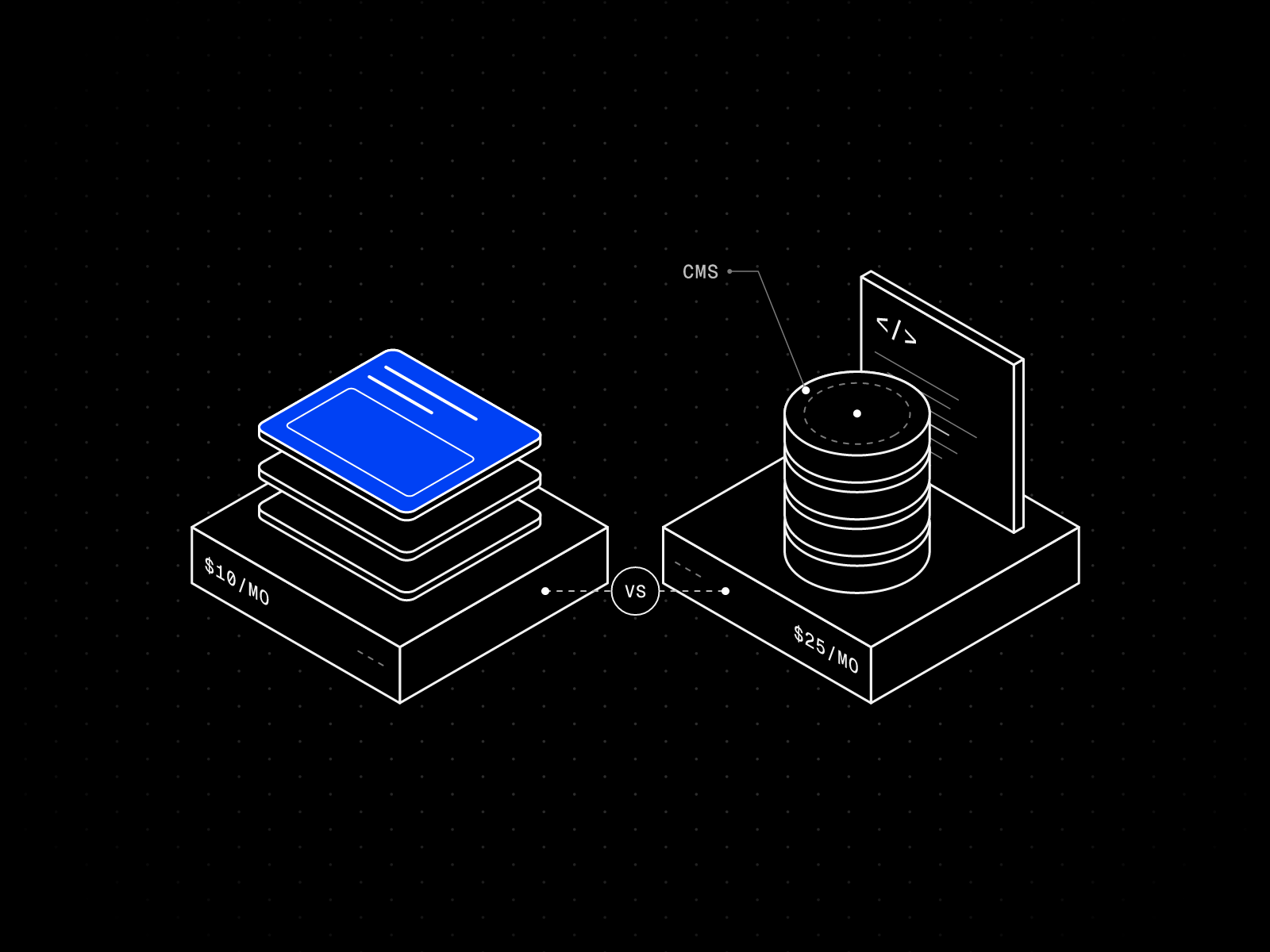
Short answer: Design in Figma and publish with Framer, unless you already pay for a Figma Full seat and want the simplest possible one-page site. Framer is a website builder: it publishes for free on a Framer address and costs $10 per month with your own domain. Figma is a design tool whose website feature, Figma Sites, was still in beta on October 25, 2026, and publishing needs a paid Full seat at $16 per month on annual billing.
Most designers I talk to already live in Figma. The question is rarely “which is better”. It is “do I need a second tool to get my portfolio online?” This is how I work it out, with prices read from both companies’ pages on October 25, 2026.
What each tool is for
Figma is where you design: frames, components, auto layout, prototypes and handoff. Its pricing page also lists Figma Sites, which turns a design into a published website.
Framer is where you build and host a site. The canvas feels like a design tool, but what you make is the live website, with a CMS, SEO settings, forms and hosting included. Its pricing is per site, where Figma’s is per seat.
Framer vs Figma Sites, side by side
| Detail | Framer | Figma Sites |
|---|---|---|
| Status | Generally available | Beta (open beta since Config 2025) |
| Publish for free | Yes, on a Framer domain | No. Needs a paid plan and a Full seat |
| Cheapest way to publish | $0, or Basic at $10 per month yearly, $15 monthly | Professional Full seat at $16 per month annual, $20 monthly |
| Free address | framer.website, framer.photos, framer.media or framer.wiki, with a name you choose | A random figma.site subdomain |
| Custom domain | Basic and up | Paid plans |
| CMS | Built in, 2 collections on Basic | CMS pages with dynamic subpages are mentioned in Figma’s publish guide |
| Export your site’s code | One Framer help article says no HTML export for self-hosting, another says published files can be downloaded. CMS content exports as CSV or JSON with plugins | Not possible at the moment, per Figma’s help center |
| Billed per | Site | Seat |
Sources: Framer pricing, Figma pricing, Figma’s pricing FAQ and Figma’s guide to publishing a site and Framer’s article on HTML export.
Figma Sites: what to know before you commit
Figma’s help center says Sites was released in open beta at Config 2025, and publishing is available on all paid plans. Its pricing page says the Sites beta is on Full seats. A few details from Figma’s own pages matter for a portfolio:
- Starter cannot publish yet. Figma’s pricing FAQ says Sites is available on the Full seat for paid plans and that a limited Sites experience on Starter is “coming soon.”
- The address is random. A published site gets a subdomain like hut-grid-glade.figma.site. The publish guide also says you cannot change the assigned figma.site subdomain, though you can connect a custom domain.
- No code export. The same guide says exporting your site’s code for external publishing is not currently possible. Framer’s help center is less clear: one article says it does not offer HTML export for self-hosting, while its data portability page says published output can be downloaded and CMS content exported as CSV or JSON with plugins. Read both before you rely on either.
- Custom domain limits are not settled. The FAQ says Professional plans can connect 10 custom domains and that limits are subject to change after 2025. That wording had not been updated when I read it, so check before you plan around it.
- Students get one site. The Education plan includes one published site with bandwidth limits.
The real advantage is that you never leave the file. Your components, styles and type are already there. For a designer who updates a portfolio twice a year, that is a fair trade.
Framer: what to know before you commit
You can publish on a free Framer address today and pay only when you want your own domain. Basic is $10 per month on yearly billing and gives you 30 pages, 2 CMS collections and 50 GB of bandwidth. What to watch:
- Framer calls the Free plan “ideal for non-commercial use.”
- Two CMS collections is tight for some templates. My Framer pricing guide lists the collection count of every free template I sell.
- Redirects, staging and branching are on Pro at $30 per month, not on Basic.
What you get in return is everything around the design: a CMS for projects, per-page SEO titles and descriptions, forms, and a marketplace of templates to start from.
What a year costs
Using the prices on Figma’s and Framer’s pages on October 25, 2026:
| Setup | Billed yearly | Billed monthly |
|---|---|---|
| Framer Free, on a Framer address | $0 | $0 |
| Framer Basic with a custom domain | $120 | $180 |
| Figma Professional, one Full seat | $192 | $240 |
The Figma line is not a fair comparison for everyone. A Full seat also includes Figma Design, Make, Draw, Motion, Dev Mode, FigJam, Slides, Buzz and Specs, according to Figma’s FAQ. If your job already pays for that seat, publishing with Figma Sites adds nothing to your bill. If you are on the free Starter plan, getting online through Figma costs $192 a year at the cheapest, and Framer costs $0 to $120.
Moving a design from Figma to Framer
You do not have to choose. Framer’s lesson on importing from Figma describes the official route:
- Install the Figma to HTML with Framer plugin in Figma.
- Select the layers or sections you want to move.
- Copy them with the plugin.
- Paste them onto the Framer canvas, where they stay editable.
The lesson says to check fonts, image assets, spacing and responsive behavior after pasting, and that importing focused selections is easier than a whole page. It also notes the Framer editor changed on June 16, 2026, so some buttons may look different from the video. My own habit is to import one section at a time and to set auto layout in Figma first, since layers without it tend to arrive at a fixed size. That part is my experience, not something Framer documents.
Framer also has a browser extension that copies sections of a live web page into a project, which is handy for moving an old portfolio.
Which should you use for your portfolio?
| Your situation | Use |
|---|---|
| You already pay for a Figma Full seat and want a simple site | Try Figma Sites |
| You are on free Figma Starter | Framer |
| You want a CMS for case studies, a journal or a photo archive | Framer |
| You want per-page SEO control and your own address on a free plan | Framer |
| You want to start from a finished, tested layout | A Framer template |
| You want to host the site’s files yourself | Not Figma Sites. Check Framer’s two export articles first |
In practice I keep both. Figma is where I try ten versions of a project page. Framer is where the one that survives goes live.
Framer templates that feel natural for Figma users
If you are coming from Figma, you will want a template with clear styles and tokens you can recognise. These three are mine, and all are free:


Maël Blanc
Portfolio · Free
A Styleguide page shows every colour, text style and component in one place, a lot like a Figma library page. Listing.
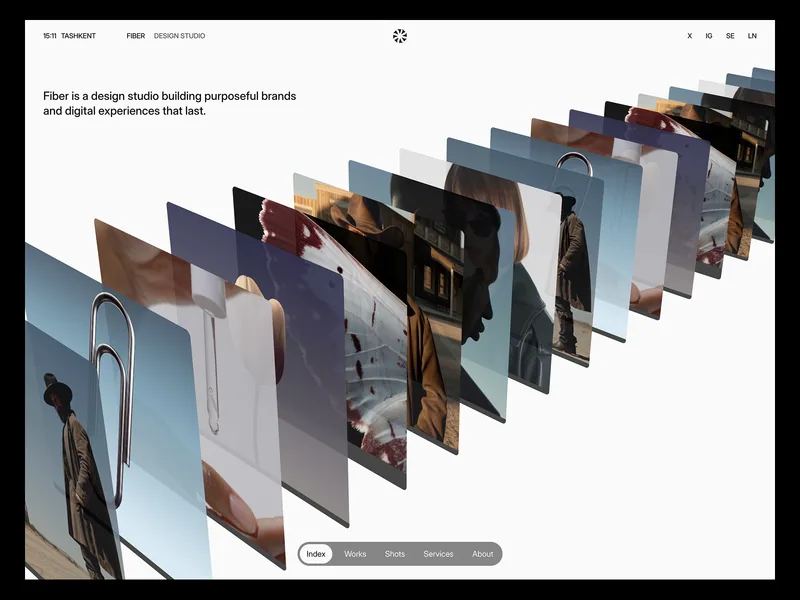

Fiber
Creative · Free
One typeface, a black and white palette, with colour tokens, text styles and reusable components. Listing.

Kaspar
Portfolio · Free
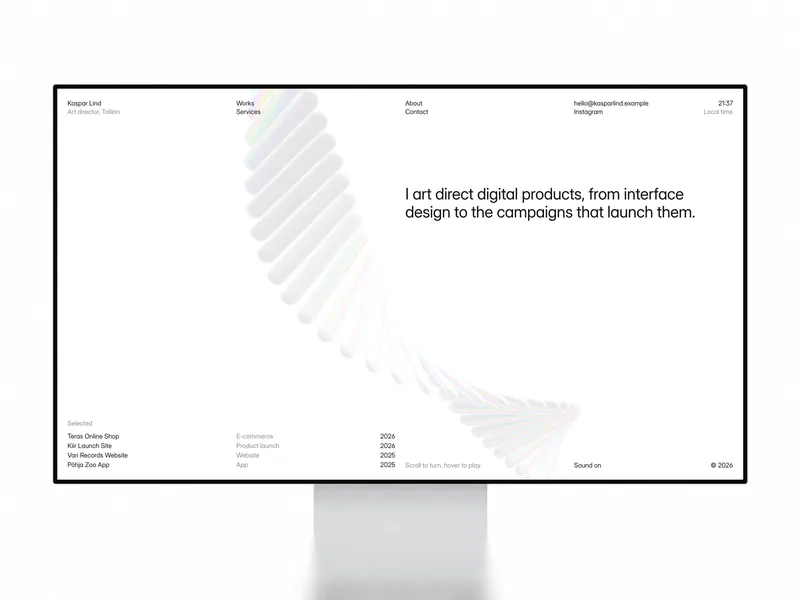
A Swiss layout for art directors and product designers, with list and grid views and CMS case studies.
Browse more on the Portfolio templates page, see real Framer portfolio examples, or compare Framer with another builder in Framer vs Webflow.
FAQ
Can Figma make a website?
Yes. Figma Sites publishes a website from a Figma file. It was in open beta on October 25, 2026, and publishing needs a paid plan and a Full seat.
Is Framer better than Figma?
They do different jobs. Figma is stronger for design exploration and handoff. Framer is stronger for building, hosting and managing a live website with a CMS.
Is Figma Sites free?
Not for publishing. Figma’s pricing FAQ says Sites is available on the Full seat for paid plans. A Professional Full seat was $16 per month on annual billing and $20 per month on monthly billing.
Can I import my Figma portfolio into Framer?
Yes. Framer’s official Figma to HTML with Framer plugin copies selected layers from Figma so you can paste them into Framer as editable elements.
Can I export my website code from Figma Sites or Framer?
Not from Figma Sites: Figma’s help center says exporting your site’s code for external publishing is not currently possible. Framer’s help center is mixed: one article says it does not offer HTML export for self-hosting, and its data portability page says published output can be downloaded. Read both before you plan around it.
Is Framer free for designers?
You can build and publish on a free Framer address. A custom domain needs a paid plan, starting with Basic.