Framer how-to · · Updated
Framer Pricing 2026: Free, Basic $10, Pro $30
Framer pricing checked Oct 26, 2026: Free, Basic $10 and Pro $30 yearly, $15 and $45 monthly. Domain, editors, AI credit tiers and the real yearly cost.
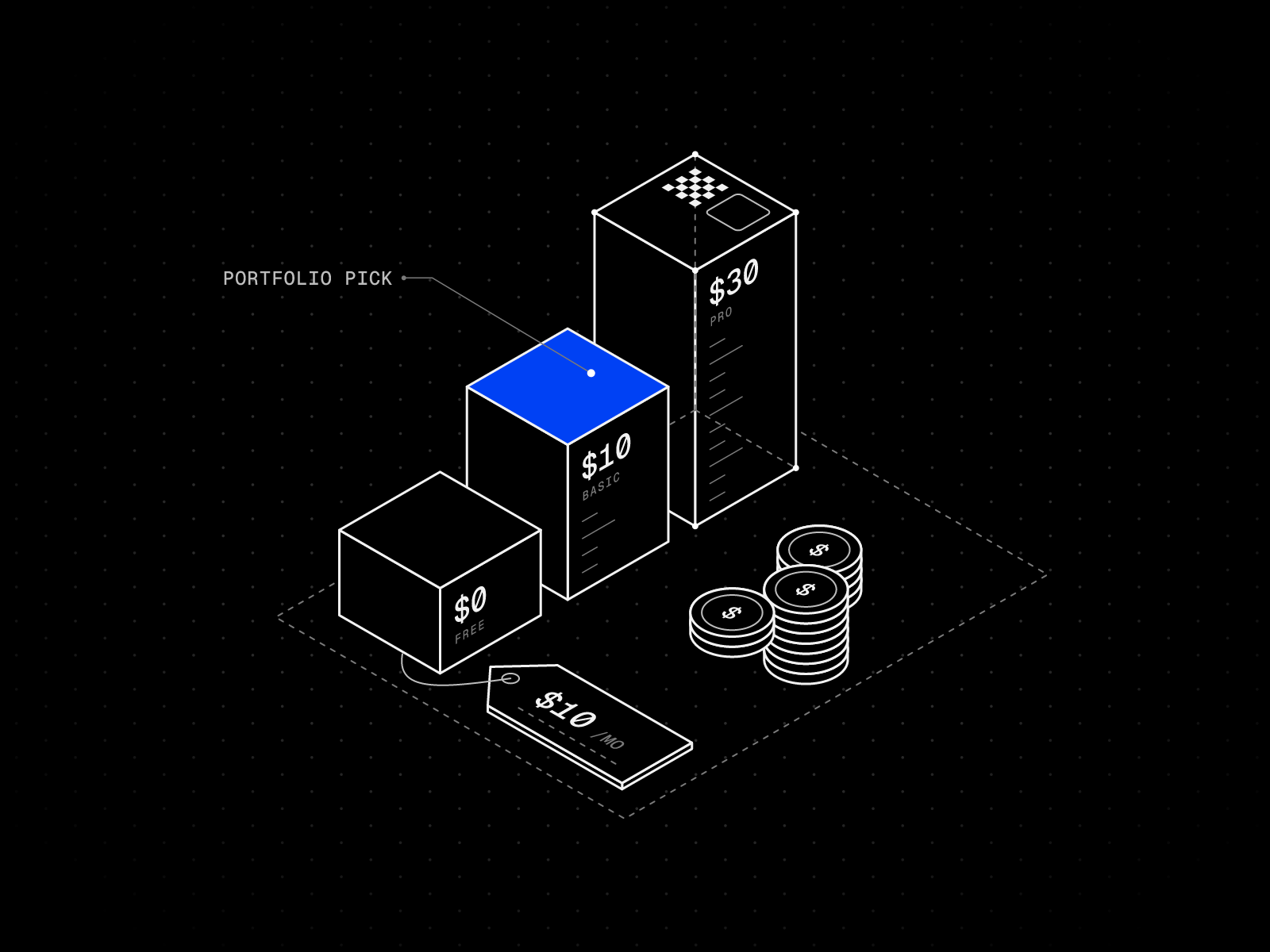
Short answer: Framer is free to build on and to publish on a Framer address. A custom domain needs a paid plan: Basic is $10 per month and Pro is $30 per month on yearly billing, or $15 and $45 per month if you pay monthly, at the default AI credit allowance. Enterprise is priced on request. A personal portfolio fits Basic, which costs $120 for a year on yearly billing.
I give away free Framer templates, so people ask me this every week: what does it cost once the template is filled in and I press Publish? Every number below comes from Framer’s own pages, checked on October 26, 2026.
Checked on framer.com/pricing on October 26, 2026, with the yearly view, the monthly view and the AI credit selectors. Prices are before sales tax. Look at the page on the day you pay.
Framer plans compared
| Feature | Free | Basic | Pro | Enterprise |
|---|---|---|---|---|
| Per month, billed yearly | $0 | $10 | $30 | Custom |
| Per month, billed monthly | $0 | $15 | $45 | Custom |
| Address | Free Framer domain | Custom domain | Custom domain | Custom domain |
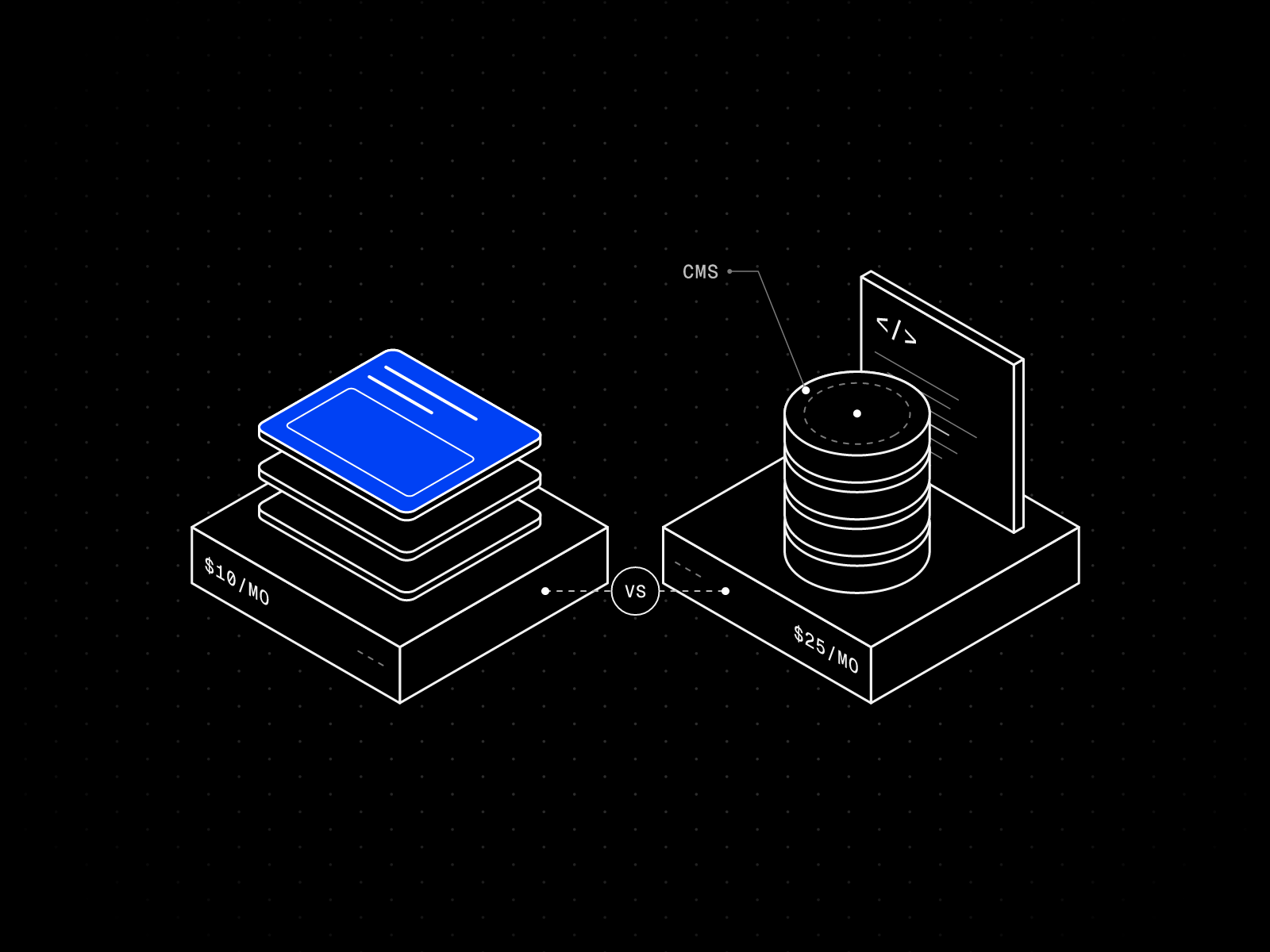
| Pages | 1,000 | 30 | 150, then $20 per 100 (700 max) | Custom |
| CMS collections | 10 | 2 | 10, then $40 per 10 (40 max) | Custom |
| CMS items | Not listed | 1,000 | 2,500, then $20 per 10,000 (40,000 max) | Custom |
| Bandwidth per month | 1 GB | 50 GB | 100 GB, then $40 per 100 GB (2 TB max) | Custom |
| AI credits per month | See Framer’s page | 1,000 | 3,000 | Volume discounts |
The extra-page, collection, item and bandwidth prices are for yearly billing. Framer labels Basic’s limits “Fixed” and Pro’s “Flexible, pay what you use”, so a 31st page on Basic means moving to Pro.
The Free limits come from Framer’s pricing FAQ: 10 CMS collections, 1,000 pages and 5 MB file uploads. Publishing without Framer branding needs a paid plan, per Framer’s help center. Pro adds site redirects, staging and branching with previews, and Basic has none of the three.
Monthly or yearly billing: what changes
Yearly billing is cheaper on every line I checked (Basic $10 against $15, Pro $30 against $45), and only it includes the free domain.
| Item | Yearly billing | Monthly billing |
|---|---|---|
| Additional editor | $20 per month | $30 per month |
| Content editor | $10 per month | $15 per month |
| Free domain | Included | Not included |
Paying monthly costs $60 more a year on Basic and $180 more on Pro. Framer’s site plans help article lists editors at $20 and $10 with no monthly figure. Framer’s subscriptions article says annual plans are billed upfront and added editors are billed monthly.
AI credits: the price depends on the allowance
On October 26, 2026, the default allowance was 1,000 AI credits a month for Basic and 3,000 for Pro, and the $10 and $30 prices are for those defaults. A larger allowance raises the plan card price. Card prices I saw:
- Basic, yearly view: 1,000 credits $10, 2,000 credits $20, 5,000 credits $50
- Pro, yearly view: 3,000 credits $30, 5,000 credits $50
- Monthly view: Basic 2,000 credits $30, Pro 5,000 credits $75
I am only reporting card prices. Framer’s help center also describes a separate AI Credits add-on and a one-time top-up, so I cannot say which the selector uses.
What changed in June 2026
On June 16, 2026, Framer posted AI credits, simpler plans, and lower prices. It changed three things:
- The Scale plan was retired. Basic and Pro are the two paid plans.
- An extra editor seat dropped from $40 to $20 per month, and a Content Editor seat costs $10.
- Basic went from 1 to 2 CMS collections and from 10 GB to 50 GB.
What a year costs
| Plan | Yearly billing | Monthly billing |
|---|---|---|
| Free | $0 | $0 |
| Basic | $120 a year | $180 a year |
| Basic plus one extra editor | $360 a year | $540 a year |
| Pro | $360 a year | $540 a year |
| Pro plus one extra editor | $600 a year | $900 a year |
Those totals are the listed monthly prices times twelve, at the default AI credit allowance, before tax.
Is Framer free?
Yes, with limits. You can remix a template, design every page and publish without paying. Three limits decide whether free is enough:
- The address. A free site lives on a Framer subdomain. Framer’s domain guide lists framer.website, framer.photos, framer.media and framer.wiki, so yourname.framer.photos is possible at $0.
- Bandwidth. The Free plan lists 1 GB, which a portfolio with heavy images or self-hosted video will use up fast.
- Commercial use. Framer says Free is “ideal for non-commercial use” and Basic “caters to students, freelancers, and small studios.” If the site brings in clients, plan on Basic.
My view: free is the right place to build and test. A working freelancer should move to Basic before sending a client the link.
How much does a custom domain cost on Framer?
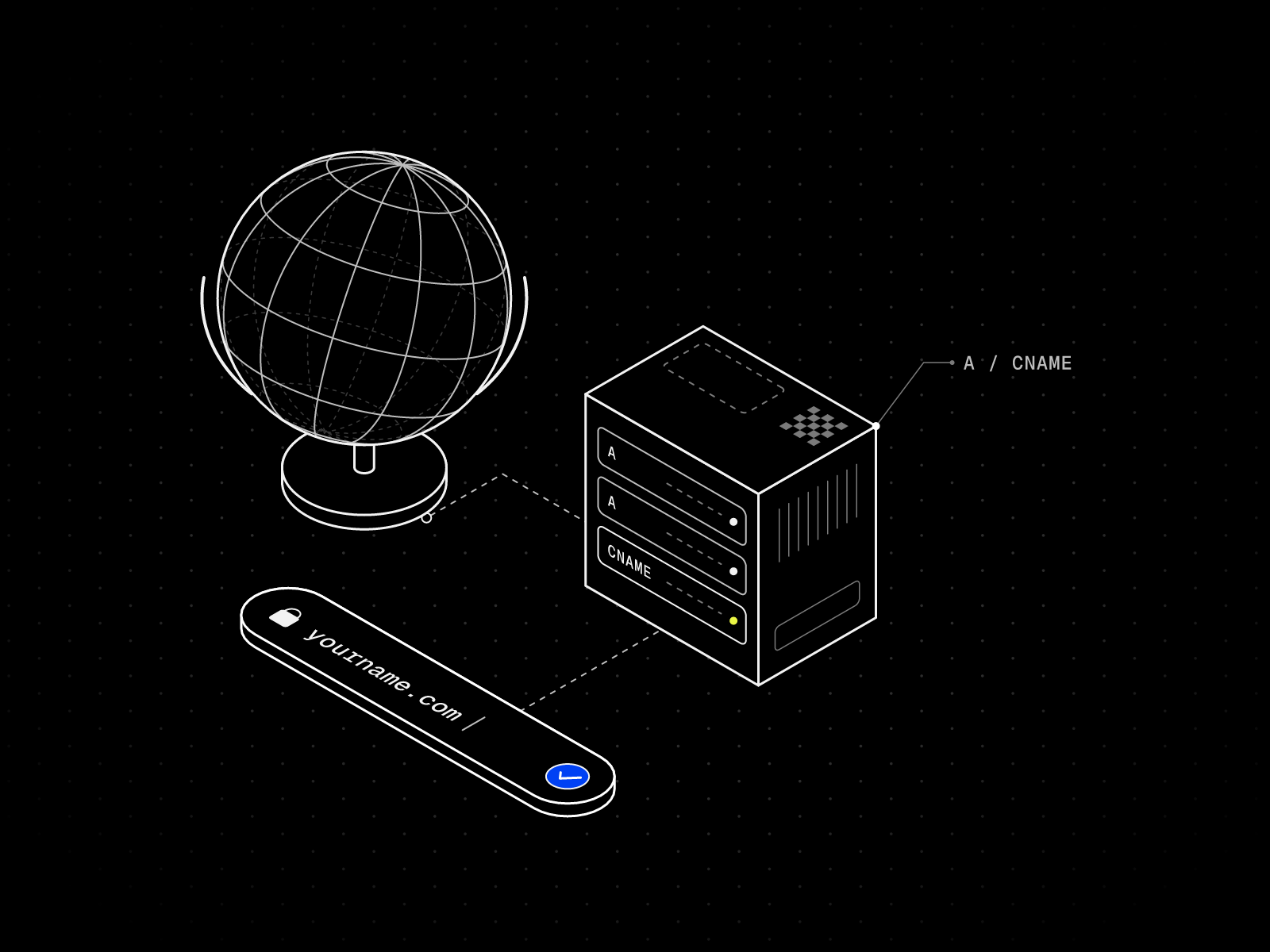
Two separate costs get mixed up here. The first is the Framer plan: the pricing FAQ says “To connect a custom domain, you’ll need to upgrade to a paid plan.” The second is the domain name, which has two routes:
- Claim a free domain on a yearly plan. Framer’s domains page says the first year is free on any yearly plan, through Hover. It is once per site subscription, not available on monthly billing, renews at the standard rate, and forfeits the option to request a refund.
- Connect a domain you already own. Register it with any registrar and add the DNS records Framer shows you. My custom domain guide has the exact steps.
If a refund matters to you, connect your own domain.
Is there a Framer student discount?
Yes. Framer’s student page offers a free Basic plan worth $120 per year, with 1,000 AI credits a month. You must be enrolled in a certified program, such as a high school, college or university. You can re-apply every 11 months, and for now only new customers can redeem coupon codes.
Costs beyond the plan price
These are on the same pricing page, yearly price first and monthly second. Editor prices are in the billing table above, and Basic and Pro both allow up to 10 editors.
- Translation locales: $20 or $25 per locale, up to 20
- Convert add-on for A/B testing: $50 or $60 per 500,000 events
- Advanced hosting on Pro: $200 or $250, with up to 6 rewrites
A solo portfolio needs none of this. A two-person studio adds one extra seat, so a $10 site becomes $30 on yearly billing.
The plan covers the tool and hosting. One of my free templates costs $0, and a domain costs whatever your registrar charges. For setup help, my Customization page says you get a price first.
The CMS limit that catches people who use templates
Basic includes 2 CMS collections. Many portfolio templates use more, and you find out after filling them in. I counted these from each template’s page on October 26, 2026:
| Template | CMS collections | Fits Basic as it is |
|---|---|---|
| Halvor | 1 (Works) | Yes |
| Kaspar | 1 (Works) | Yes |
| Silvan Rhyner | 2 (Projects, Series) | Yes |
| Maël Blanc | 2 (Projects, Services) | Yes |
| Fiber | 2 (Works, Shots) | Yes |
| Léon Varet | 2 (Works, Tags) | Yes |
| Belmont | 2 (Collections, Properties) | Yes |
| Hansler | 3 (Work, Media, Categories) | No |
| Studio Aven | 3 (Works, Categories, Recognition) | No |
| Oktav | 4 (Projects, Disciplines, Articles, Roles) | No |
| Compass | 5 | No |
| Rosetta | 5 (Services, Approach, Team, Values, FAQ) | No |
| Maison Architect | 6 (Projects, Insights, Services, Team, Awards, Offices) | No |
With more collections than you need, upgrade to Pro or delete the ones you will not use. A careers or journal collection is the usual first cut, and my CMS tutorial shows a project gallery setup. These three fit Basic with room to spare:


Halvor
Photography · Free
One Works collection drives the whole site, so Basic leaves a spare collection for a journal.
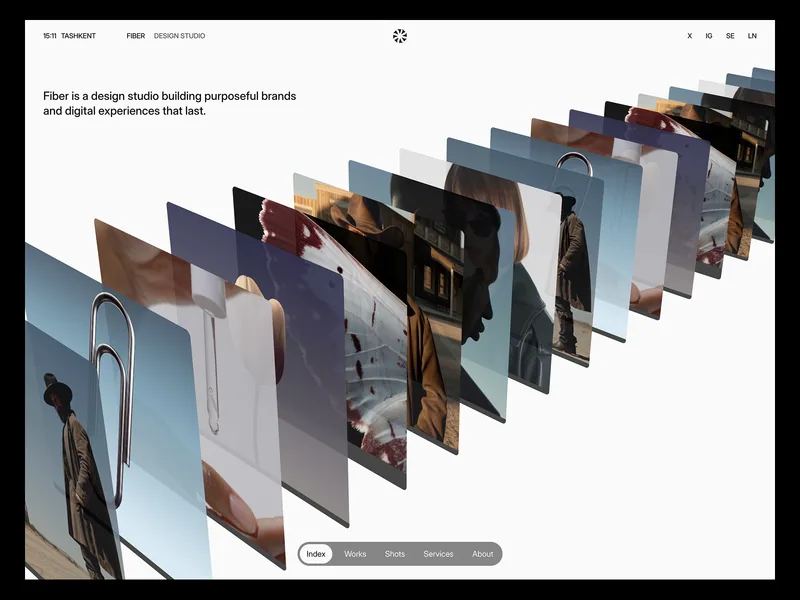

Fiber
Creative · Free
Two collections, Works and Shots, with a 3D project stack and case studies.
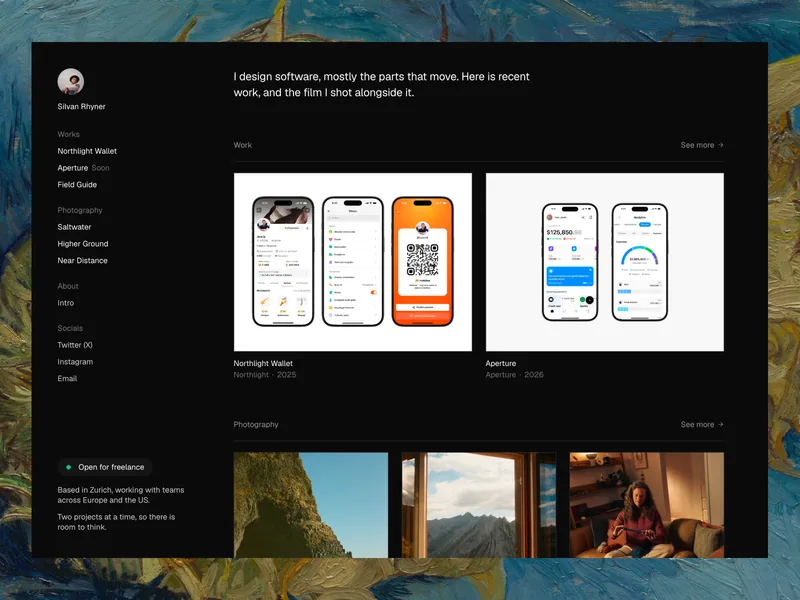

Silvan Rhyner
Portfolio · Free
Projects and Series, both on the CMS, in a dark layout with a fixed sidebar.
Which Framer plan do you need?
- Free if you are testing a template or sharing a draft.
- Basic for a freelancer or small studio with a custom domain, up to 30 pages and 2 CMS collections. That covers most portfolios.
- Pro if you need redirects, staging, branching, more than 2 collections or more than 30 pages. Basic cannot add pages or collections.
- Enterprise if you need SSO, SCIM or an uptime guarantee. A portfolio does not.
Starting from zero? My step-by-step portfolio guide is the next read.
Framer vs Webflow and Squarespace on price
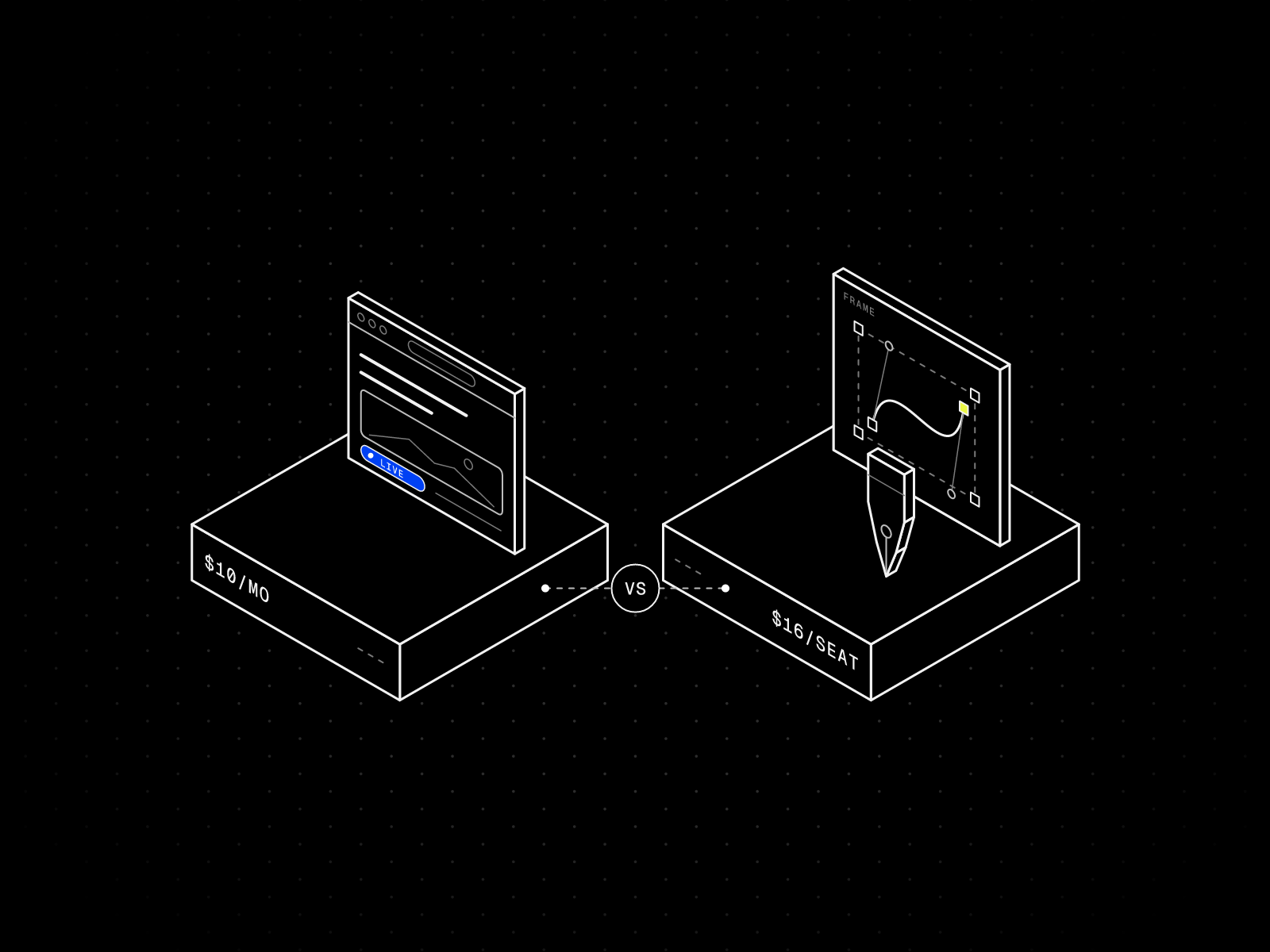
Webflow and Squarespace price differently from Framer, so I do not repeat their numbers here. I compare them in Framer vs Webflow for portfolios, Framer vs Squarespace for photographers and Framer vs Figma.
If you would rather not set it up yourself, see Customization. Otherwise, start from a free portfolio template and move to Basic when the site is ready.
FAQ
Is Framer free?
Yes, the Free plan costs $0 and lets you build and publish on a free Framer address, but a custom domain needs a paid plan.
How much does Framer cost per month?
On October 26, 2026, Basic was $10 per month yearly or $15 monthly, and Pro was $30 yearly or $45 monthly, before sales tax and at the default AI credit allowance.
How much does a Framer website cost per year?
Basic comes to $120 a year on yearly billing and $180 on monthly, and Pro to $360 and $540, before tax and add-ons.
Is monthly or yearly billing cheaper on Framer?
Yearly billing is cheaper, and only it includes the free domain.
How much does a custom domain cost on Framer?
A custom domain needs at least Basic, and a yearly plan includes a free first-year domain through Hover.
What is the difference between Framer Basic and Pro?
Basic has 30 pages, 2 CMS collections and 50 GB, all fixed. Pro has 150 pages, 10 collections and 100 GB, plus redirects, staging and branching.
Is there a Framer student discount?
Yes, verified students can get a free Basic plan that Framer values at $120 per year.
Does the Framer plan price include AI credits?
Yes, Basic includes 1,000 AI credits a month and Pro 3,000 by default, and a larger allowance raises the card price.
What happens if my site goes over a limit?
Some limits ask you to upgrade. For others, such as bandwidth, Framer lets you exceed the limit for one month and emails you.
Can I get a refund on Framer?
Refund eligibility depends on Framer’s refund policy and your region, so read it before you pay. Claiming the free Hover domain forfeits the option to request a refund.