Quadro Studio is a dark Framer template for branding studios and design agencies that work on identity, packaging, art direction and digital design. Every page sits on black with white type and small mono labels, so the project photos bring all the color.
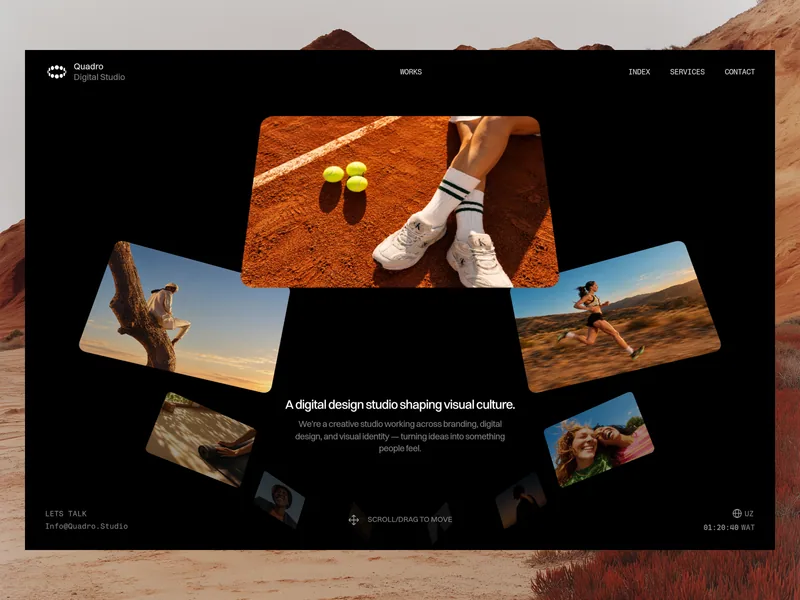
A ring of work on the home page
The home page fits on one screen. Project photos sit on a ring in 3D space around a short headline and a line about the studio. Click any photo to open that project’s case study. The ring is a single Motion Layer component, so its photos and links are edited in one place.
The header holds the logo and studio name, with links to Works, Index, Services and Contact; Index takes visitors back to the home page. Along the bottom edge of most pages, a Let’s talk link with your email sits opposite a language code and a clock with your local time. On phones, the navigation folds into a menu.
Works and case studies
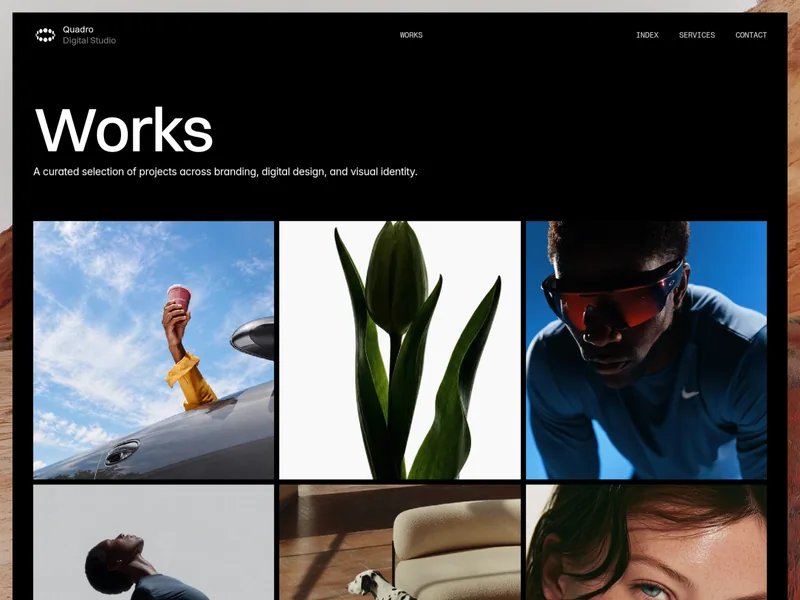
The Works page opens with a large title and a one-line introduction, followed by a grid of project images, three across on desktop. Each image opens the project’s case study.
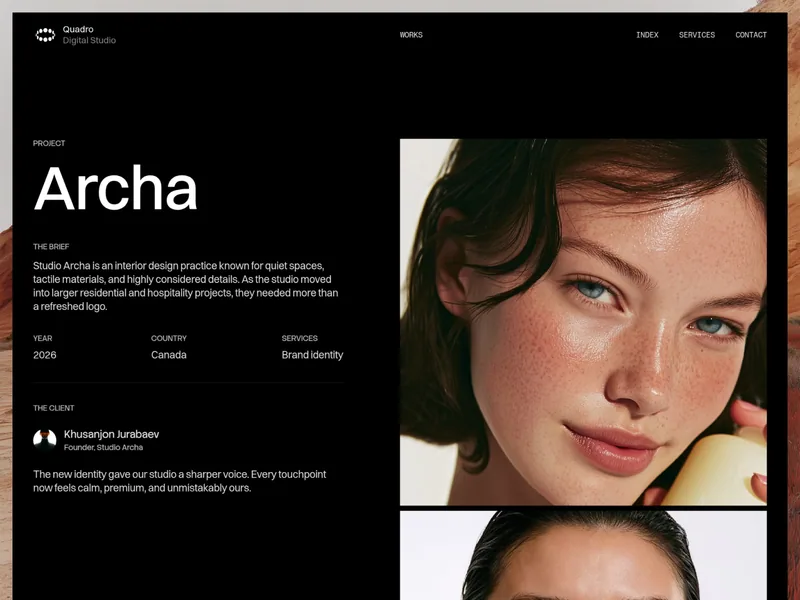
Case study pages are split in two. On desktop, the left column stays in place while you scroll: the project name, the brief, the year, country and services, then a client quote with the client’s name, role and photo. On the right, a campaign image and a set of project shots run down the page, so visitors read the story and see the work side by side.
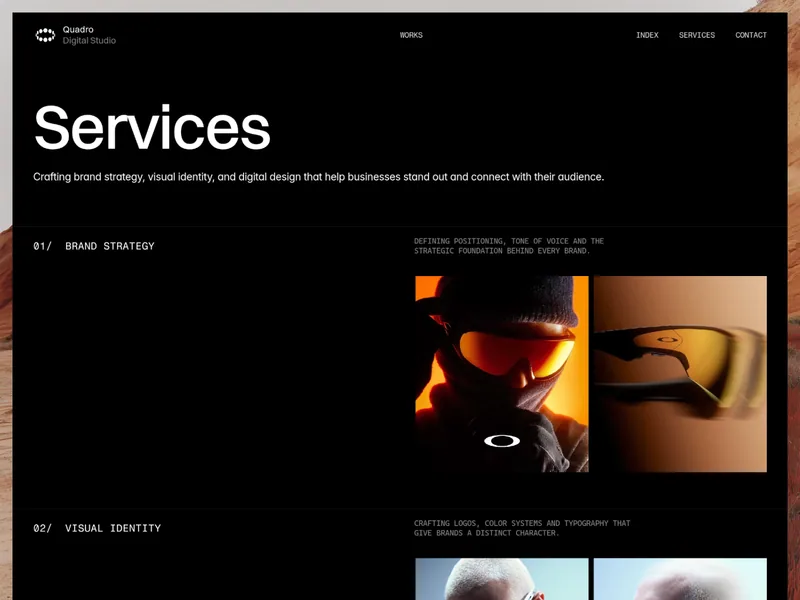
- Services: a large title and a short statement, then four numbered services: Brand Strategy, Visual Identity, Packaging Design and Art Direction. Each has a short description in mono capitals and a pair of photos, and as you scroll, the service titles pin one below the other into a stacked list. A closing block invites visitors to get in touch, with your email and phone number.
- Contact: a short introduction to the studio, your email, a named contact for general inquiries with their role, your phone number and address, and links to Instagram, Facebook and Twitter.
- 404: a Page not found message with a Back to home link, links to every page, your email and your social links.
One collection behind the work
All projects live in one Works collection. Each entry holds a title, brief, year, country, services, the client’s name, role and photo, a testimonial, a thumbnail, a campaign image and the project shots. Add an entry and its case study page builds itself from those fields, and the project appears in the Works grid. The demo ships with ten sample projects, from a coffee packaging line and a restaurant identity to a fintech product and an editorial platform.
Easy to make your own
The dark palette comes from a small set of shared color styles, so changing one updates every page that uses it. Page titles and introductions fade up word by word as they appear, and the Works and Services pages scroll smoothly. Desktop, tablet and phone each have their own layout, and the two case study columns stack into one on phones.
What’s included
- 6 pages: Home, Works, Case Study, Services, Contact and 404
- A 3D ring of project photos on the home page; click a photo to open its case study
- A Works grid of project images, three across on desktop
- Case study pages with a brief, year, country, services, a client testimonial and a column that stays in place beside the photos
- A Services page with four numbered services, paired photos and titles that stack as you scroll
- A Contact page with email, phone, address, a named contact and social links
- A 404 page with links back to every page
- A header with the studio logo and a phone menu, and a bottom bar with an email link, language code and local time
- One CMS collection, Works, with ten sample projects
- Shared color styles for the whole dark palette
- Word-by-word text effects and smooth scrolling
- Responsive layouts for desktop, tablet and phone
Set in Switzer, with Fragment Mono for the navigation and labels. Remix it in Framer, swap in your content, then publish.